Run Docker Container Using Nginx
Hi there,
Here we are going to build a Docker image using Nginx and deploy one HTML page on the local host.
Creation of Html File
first we need to create one folder with name myproject
mkdir myproject
in that folder we create vim file with name index.html
vim index.html
now we create html file that we want after deploy the project
COPY
<!DOCTYPE html>
<html>
  <head>
    <title>Welcome to nginx!</title>
    <style>
      body {
        width: 35em;
        margin: 0 auto;
        margin-top: 200px;
        font-family: Tahoma, Verdana, Arial, sans-serif;
      }
      button {
        border: 2px solid #1da1f2;
        border-radius: 5px;
        background-color: white;
        color: #1da1f2;
        padding: 5px 10px;
        text-align: center;
        font-size: 20px;
        margin: 5px 15px;
        cursor: pointer;
      }
    </style>
  </head>
  <body>
    <h1>Have a Happy learning with SamipDave DevOps</h1>
    <p>This is a sample page for running nginx using docker.</p>

    <p>Follow me for more articles</p>

    <a href="https://github.com/Kritika-Singhal" target="_blank"
      ><button>Github</button></a
    >
    <a href="https://twitter.com/_kritikasinghal" target="_blank"
      ><button>Twitter</button>
    </a>
    <p><em>Thank you for reading the blog.</em></p>
  </body>
</html>
Now we create Docker file
in the same folder, myproject, create one more file, which is the Docker file
vim Dockerfile

##write the given command

FROM ubuntu
RUN apt-get update
RUN apt-get install -y nginx
COPY index.html /var/www/html
CMD ["nginx", "-g", "daemon off;"]
Here we are fetching
ubuntuimage and then installingnginxover it. Ubuntu image provides access to/bin/bashas well.COPYcommand is copying the index.html file present in the current directory to the default web page of nginx.CMDis the command to start the nginx server in the foreground.
Build docker file
docker build -t mynginx
Running on the server
docker run -d -p 8081:80 mynginx
Now just open the port 8081 from you ec2 - security- security inbound role-add port 8081 so we can connect that container on 8081 port and save it,
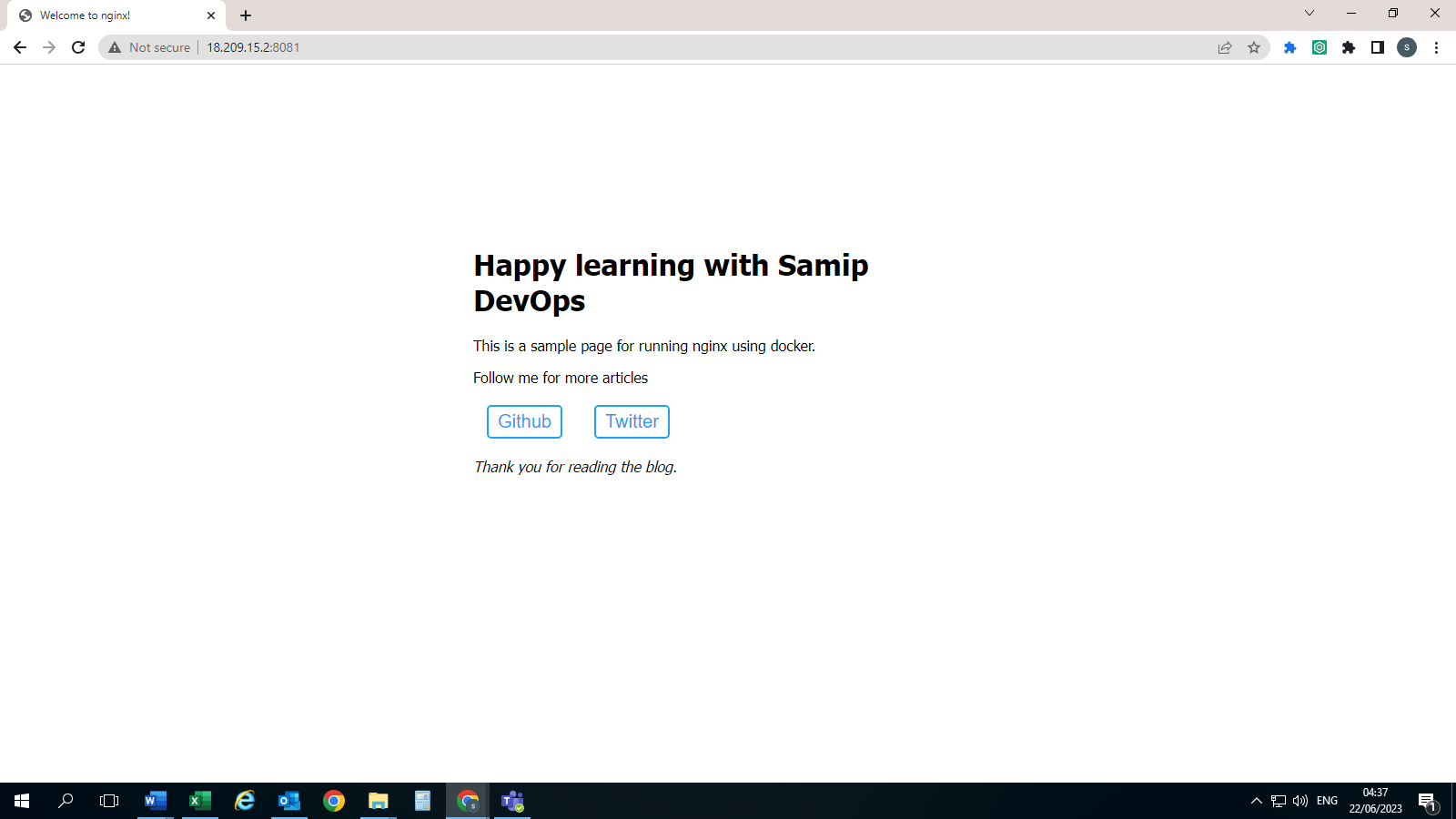
Now copy public ip of your ec2 instance and open in new tab and suffix it :8081 and hit the enter you will see below page